Screenshots · product tour
See every screen before the demo.
Below are live UI mocks matching the current portal. To go production-grade: capture each portal page (1600×900), save as the file listed, and they’ll replace these mocks automatically.
How to update screenshots: sign in → open each portal page → capture at 1920×1080 → overwrite the file in public/screenshots/ (dashboard, my_skus, artworks, order_details, deliveries, documents) → redeploy. Filenames are listed under each card.
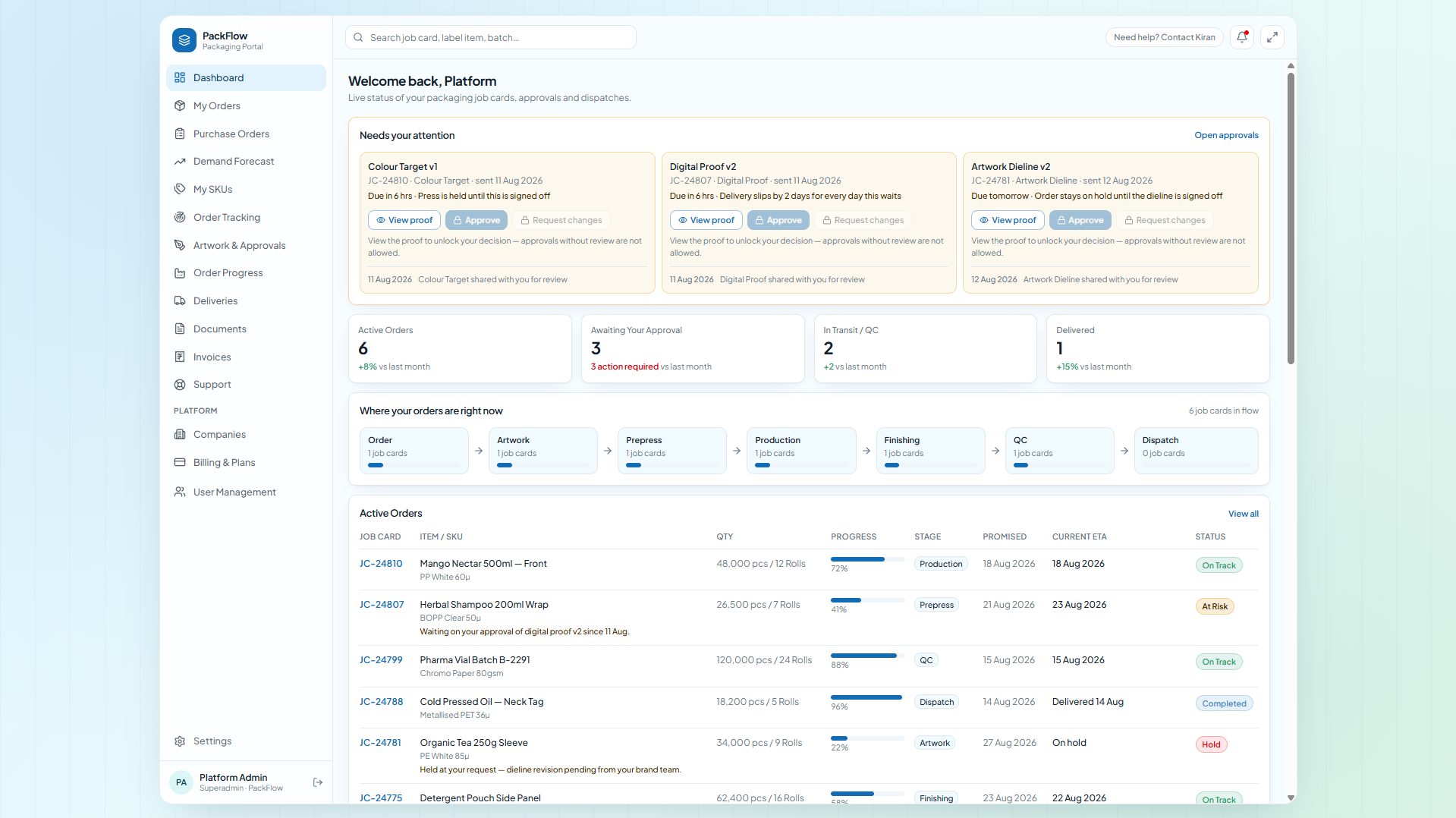
1 · Dashboard — “Welcome back”
KPIs, 7-stage pipeline, active orders table (Job Card, Label, Qty, Progress, Stage, Promised vs ETA, Status), printed-vs-dispatched trend, status donut, activity, deliveries, quality scorecard, recent documents.
→ public/screenshots/dashboard.png
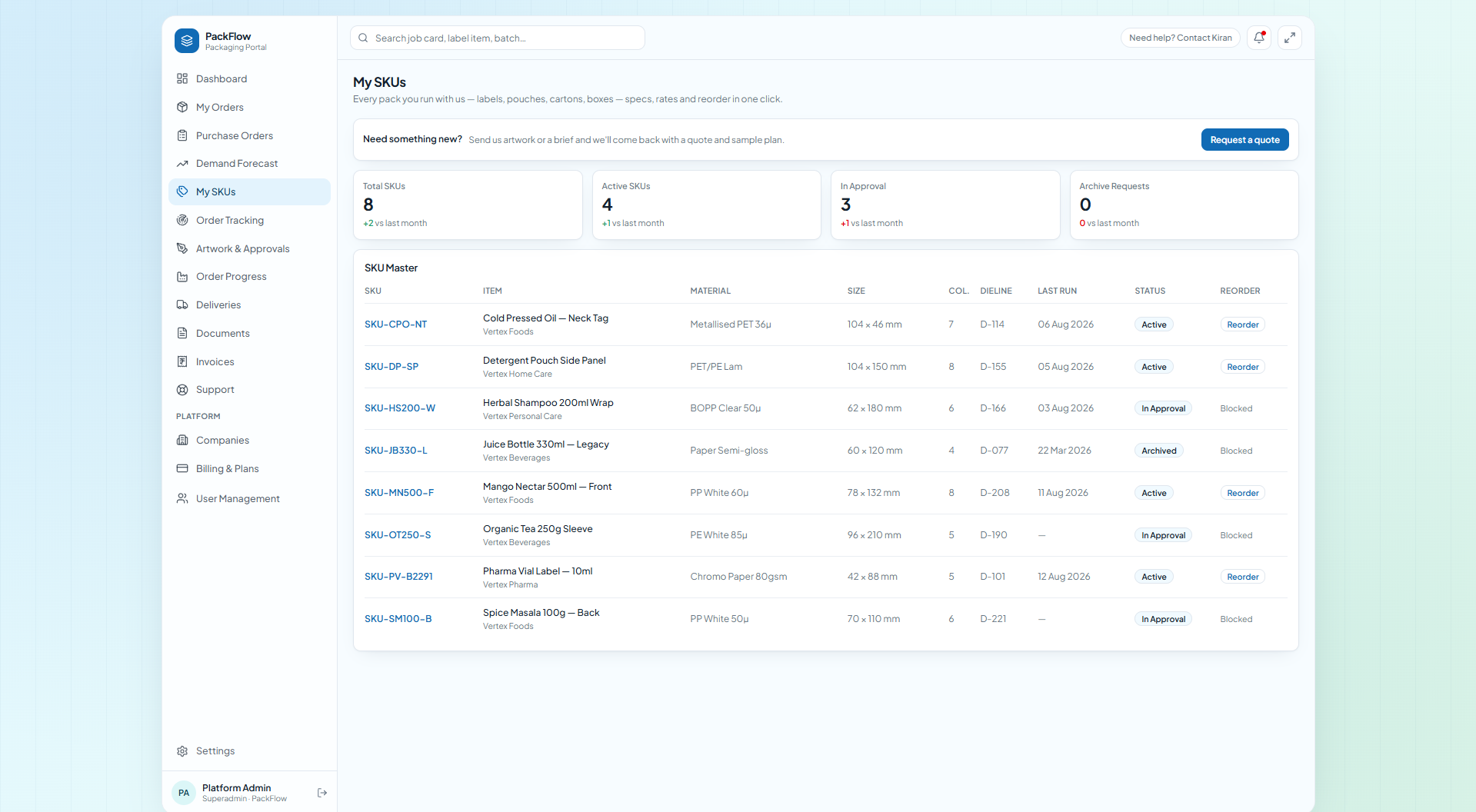
2 · My SKUs — SKU master + detail
Code, material, specs, size, colours, dieline, MOQ, rate, revision, last run, YTD. 1-click Reorder, archive with mutual stock clearance.
→ public/screenshots/my_skus.png
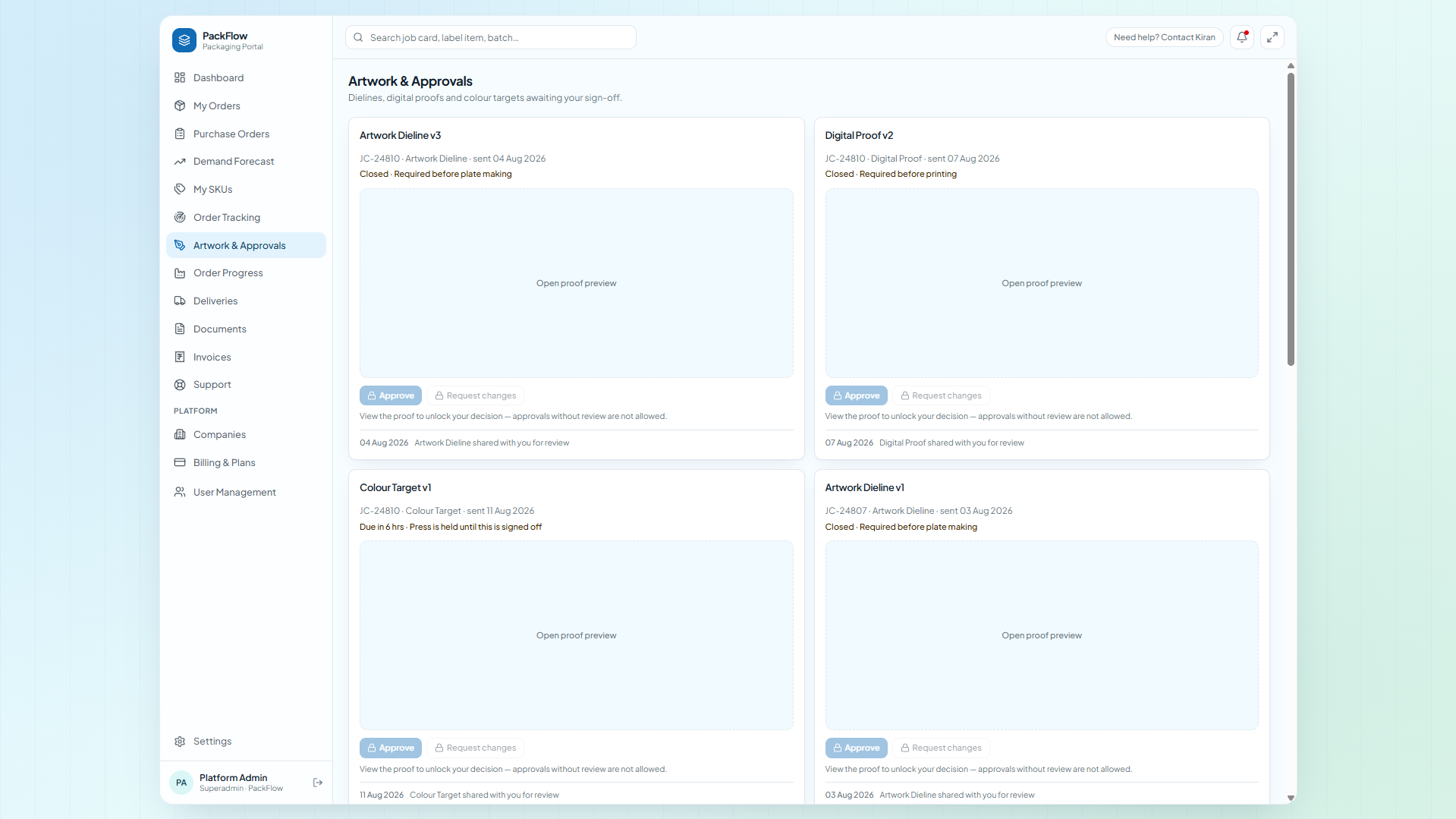
3 · Artwork & Approvals — gated proofs
Approvals list with status, plus the full review page: proof viewer, gated Approve / Reject, audit trail.
→ public/screenshots/artworks.png
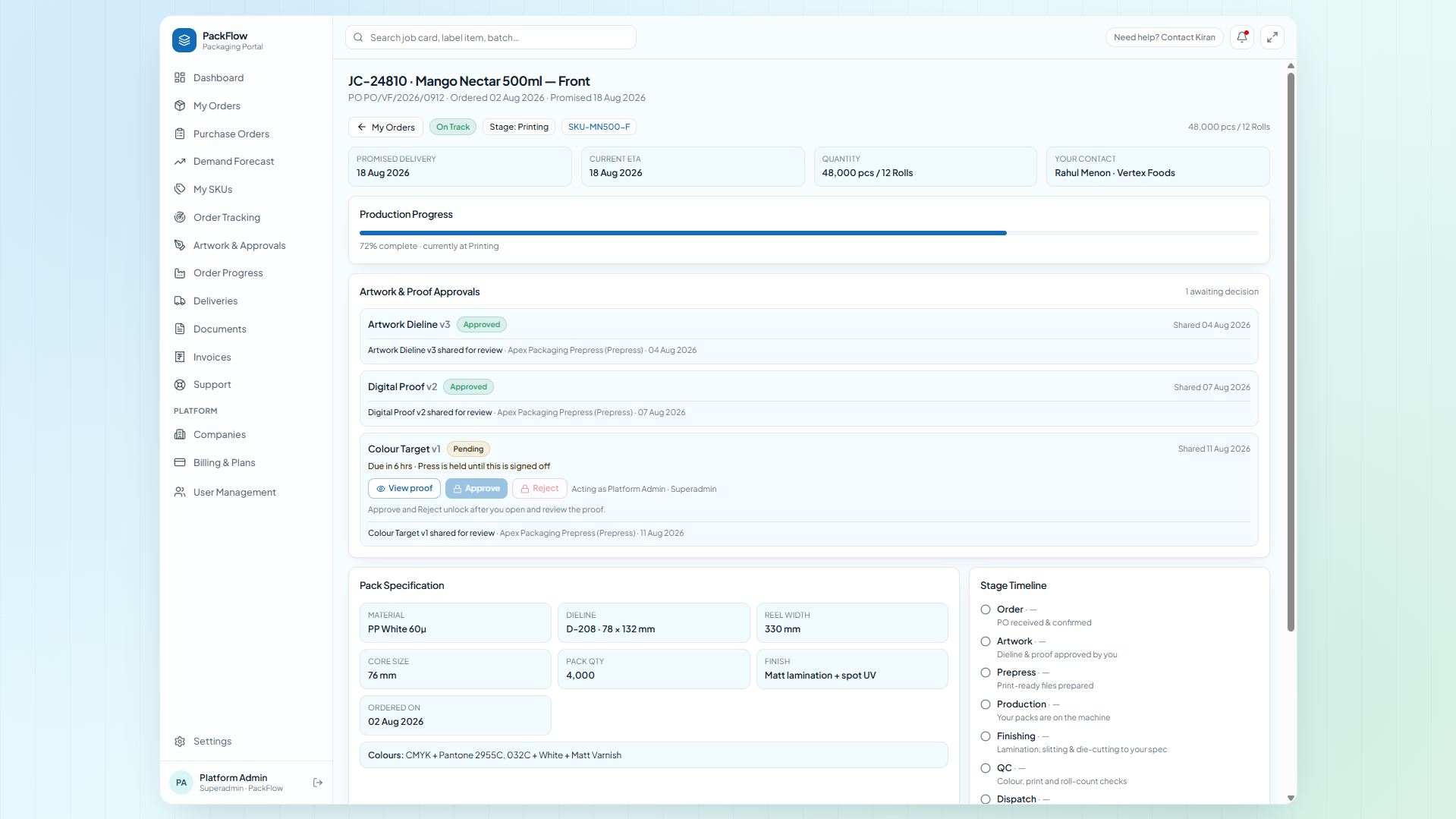
4 · Order tracking + job detail
JC-xxxxx across Order → Dispatch with health, rolls/batches, QC verdicts, promised vs current ETA, audit trail.
→ public/screenshots/order_details.png
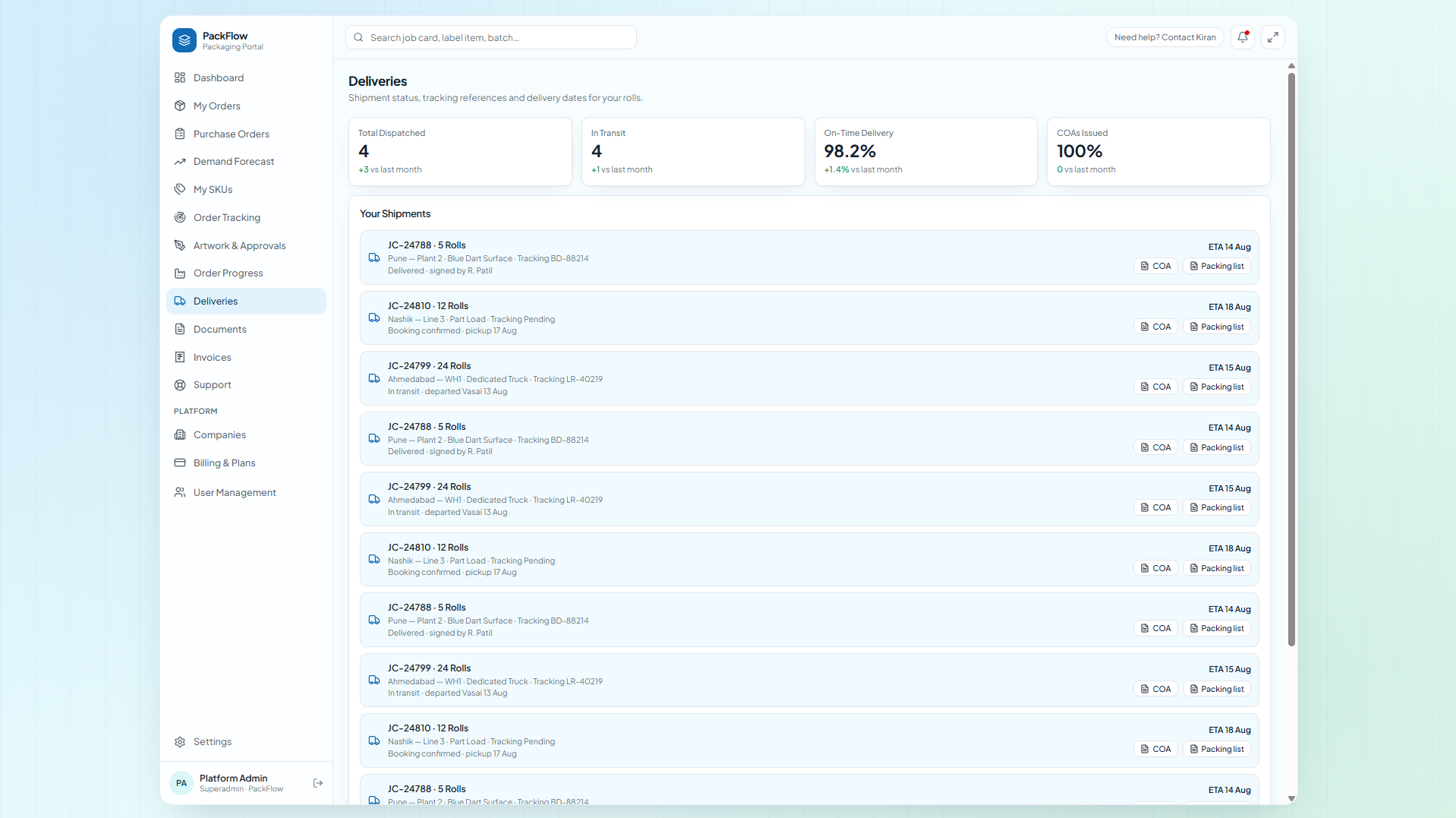
5 · Deliveries + COA
Rolls, destination, mode, AWB, ship status, ETA — with COA-{JC}.pdf + packing list on every shipment.
→ public/screenshots/deliveries.png
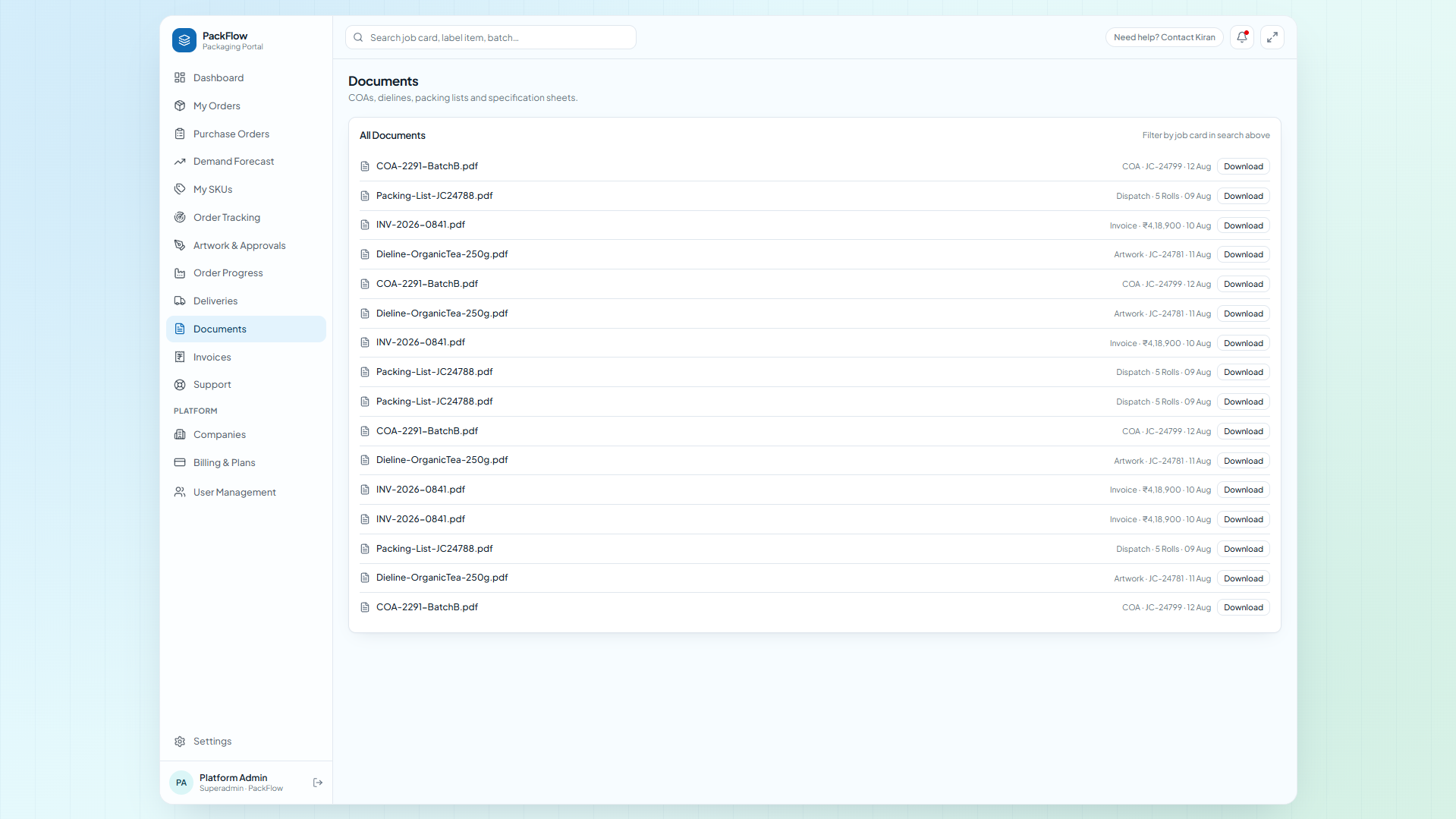
6 · Documents + invoices
Searchable vault by job card + billed/open/overdue ageing and avg payment days.
→ public/screenshots/documents.png